B2B SaaS · Marketing Automation · Onboarding · Complex Workflows

Improving onboarding and activation flow

Pushwoosh is powerful — multi-channel campaigns, automation rules, segmentation, real-time data. But that power came with friction. New users struggled to reach first value before giving up. The challenge was making a complex product easier to enter, without making it simpler than it needed to be.
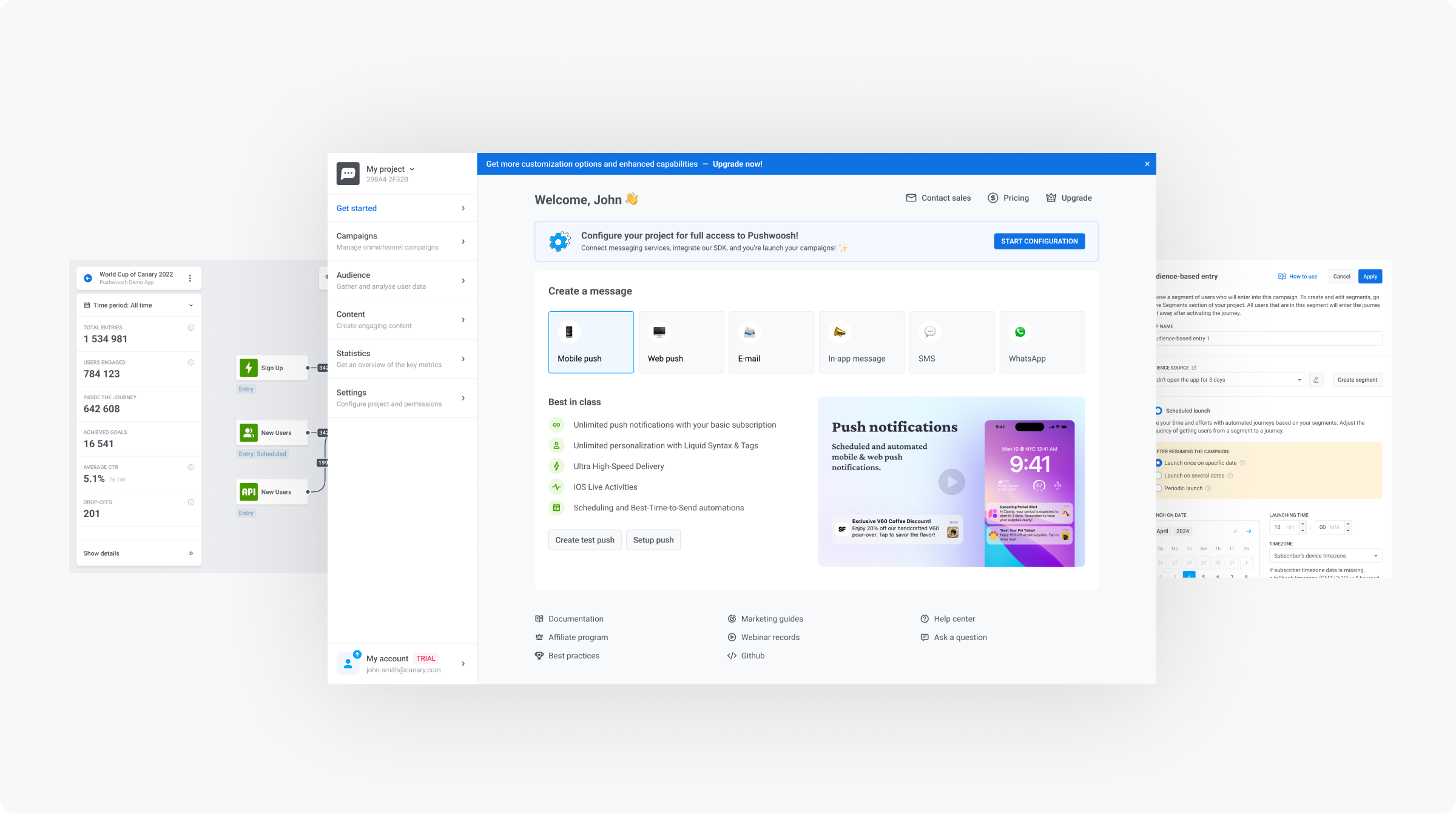
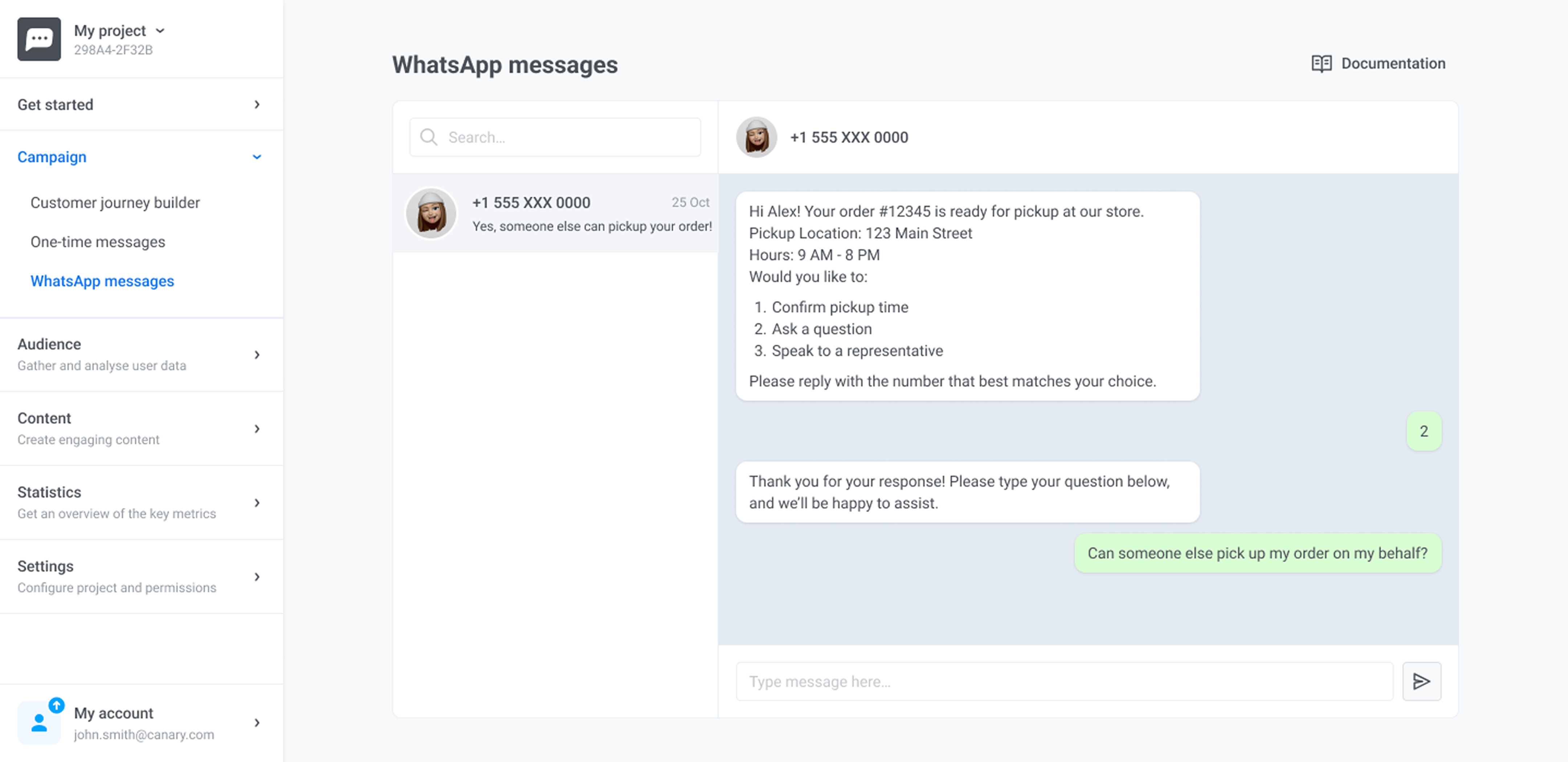
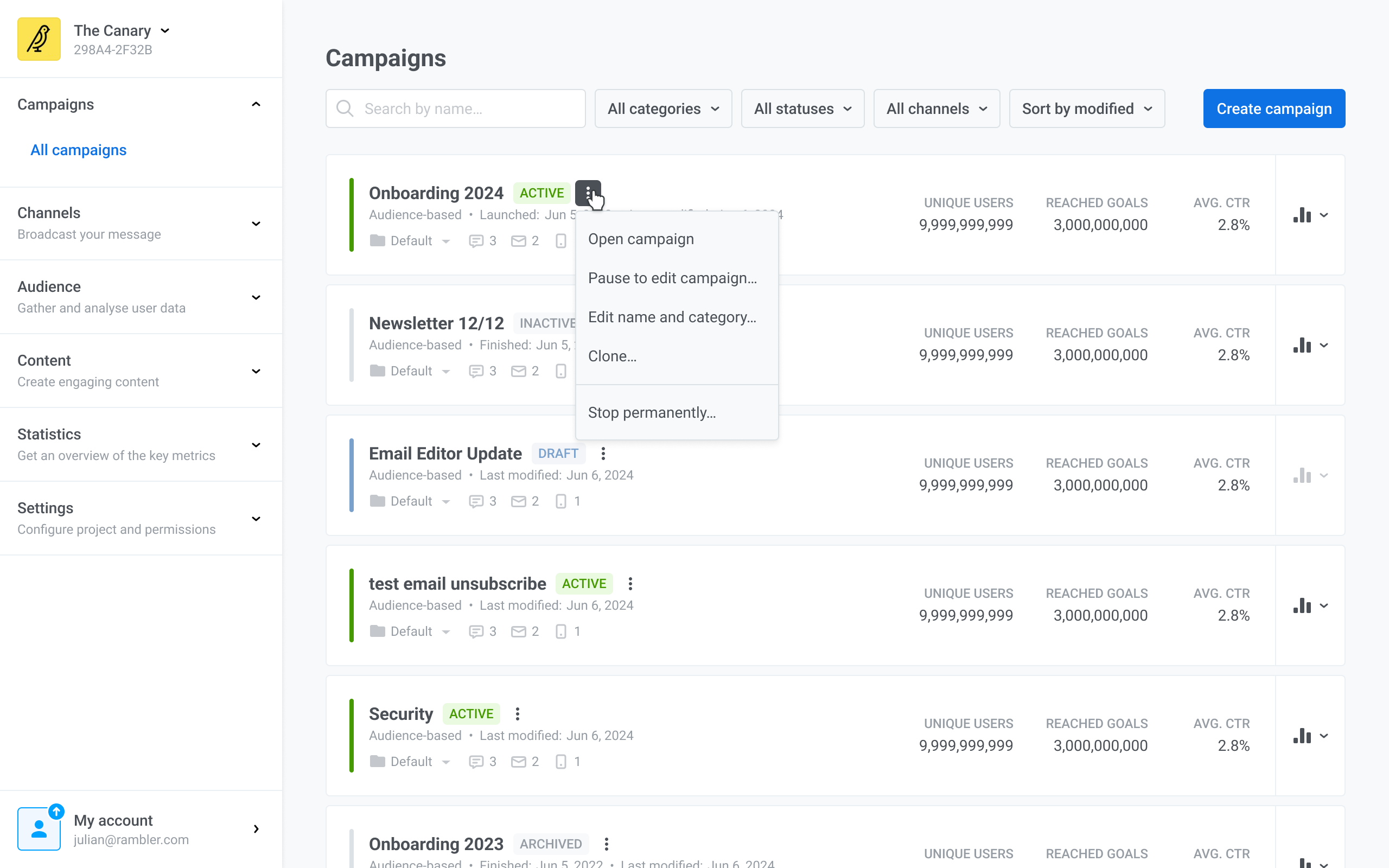
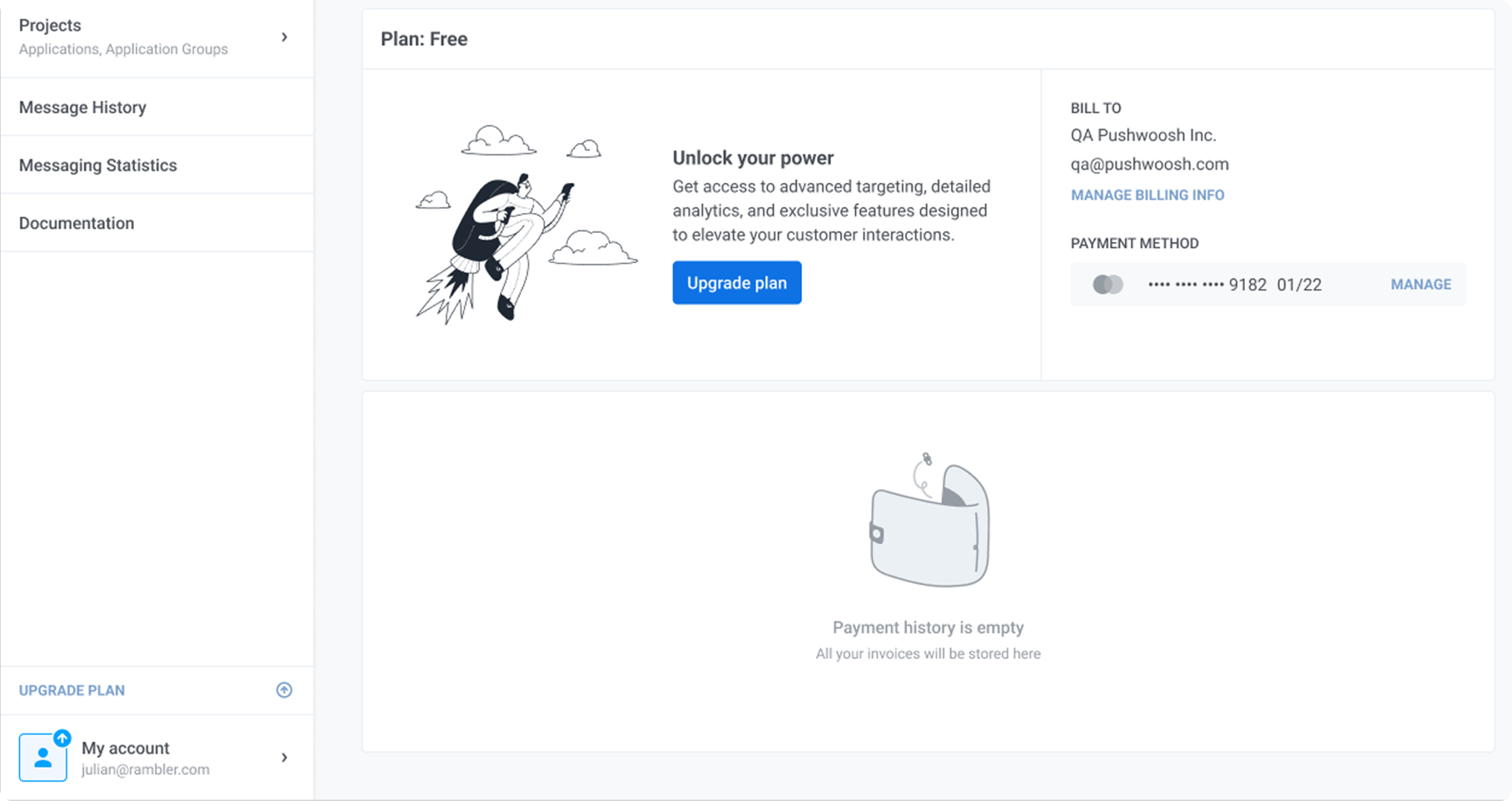
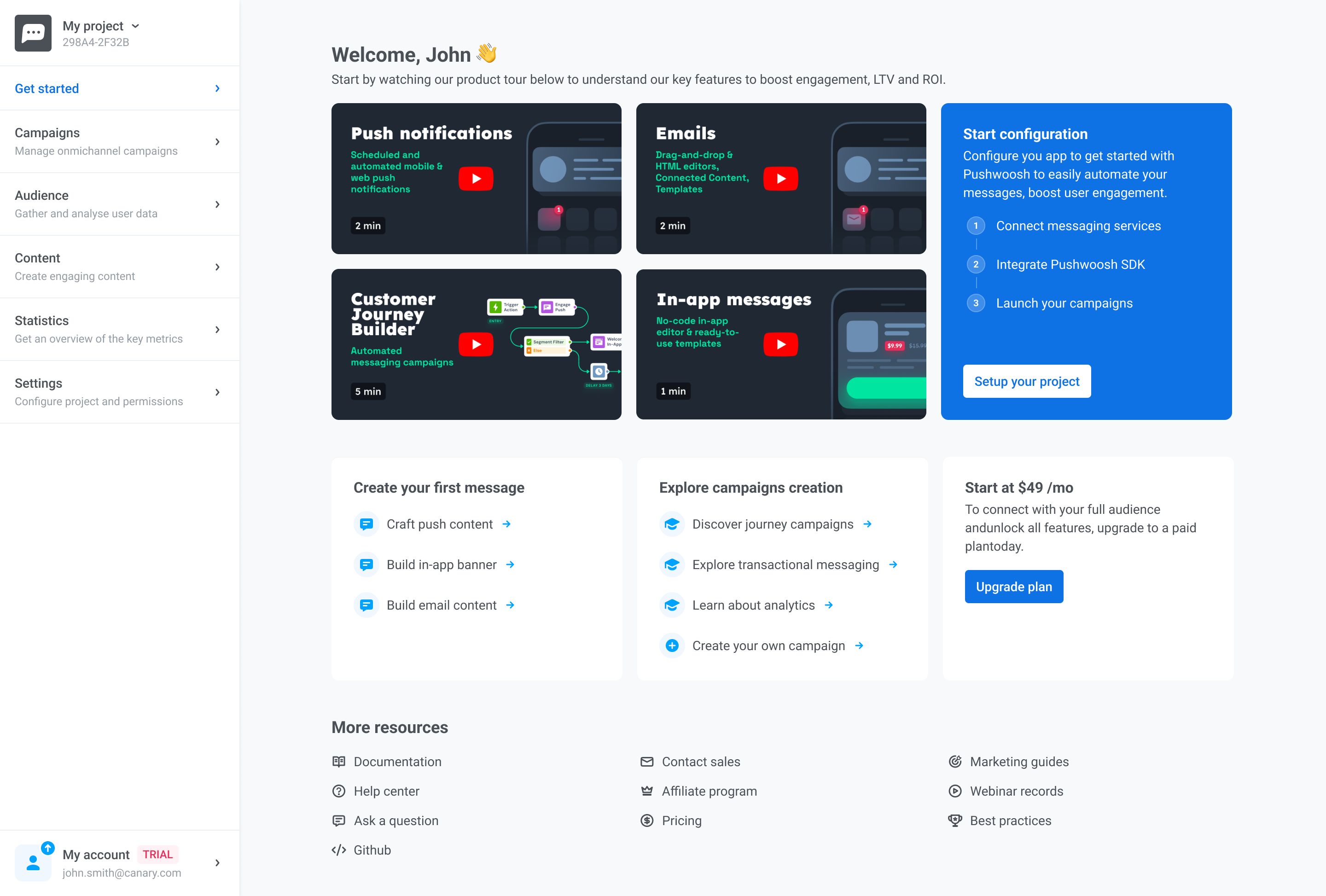
Pushwoosh product interface
+28%
Activation rate
+35%
Onboarding completion
~45%
Faster time-to-value
−22%
First-step drop-offs
Role
Senior Product Designer
Domain
Marketing Automation
Platform
Web
Team
PM, engineers, CS, marketing managers, analysts
Scope
Onboarding, activation, automation UX, IA, design system
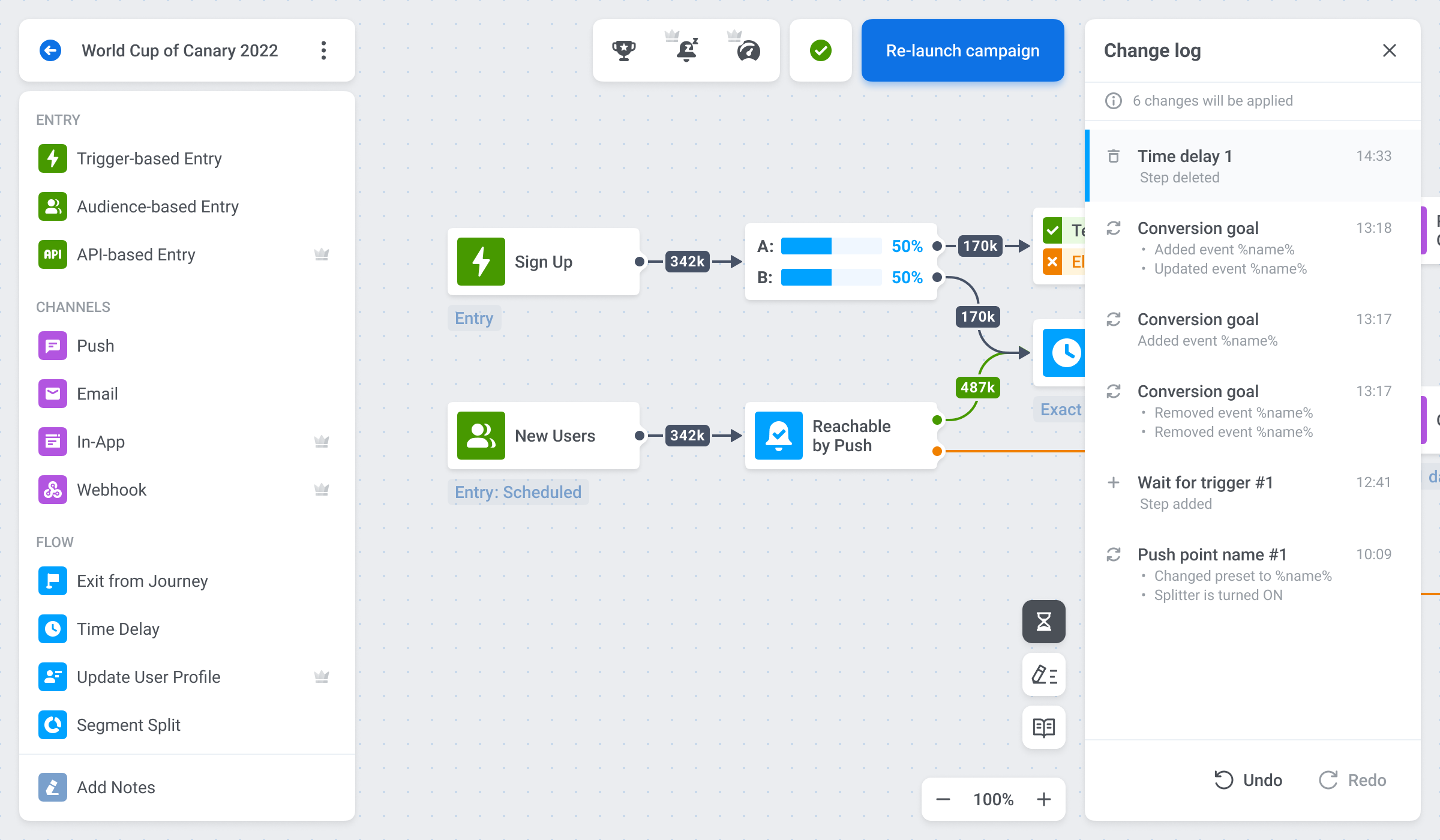
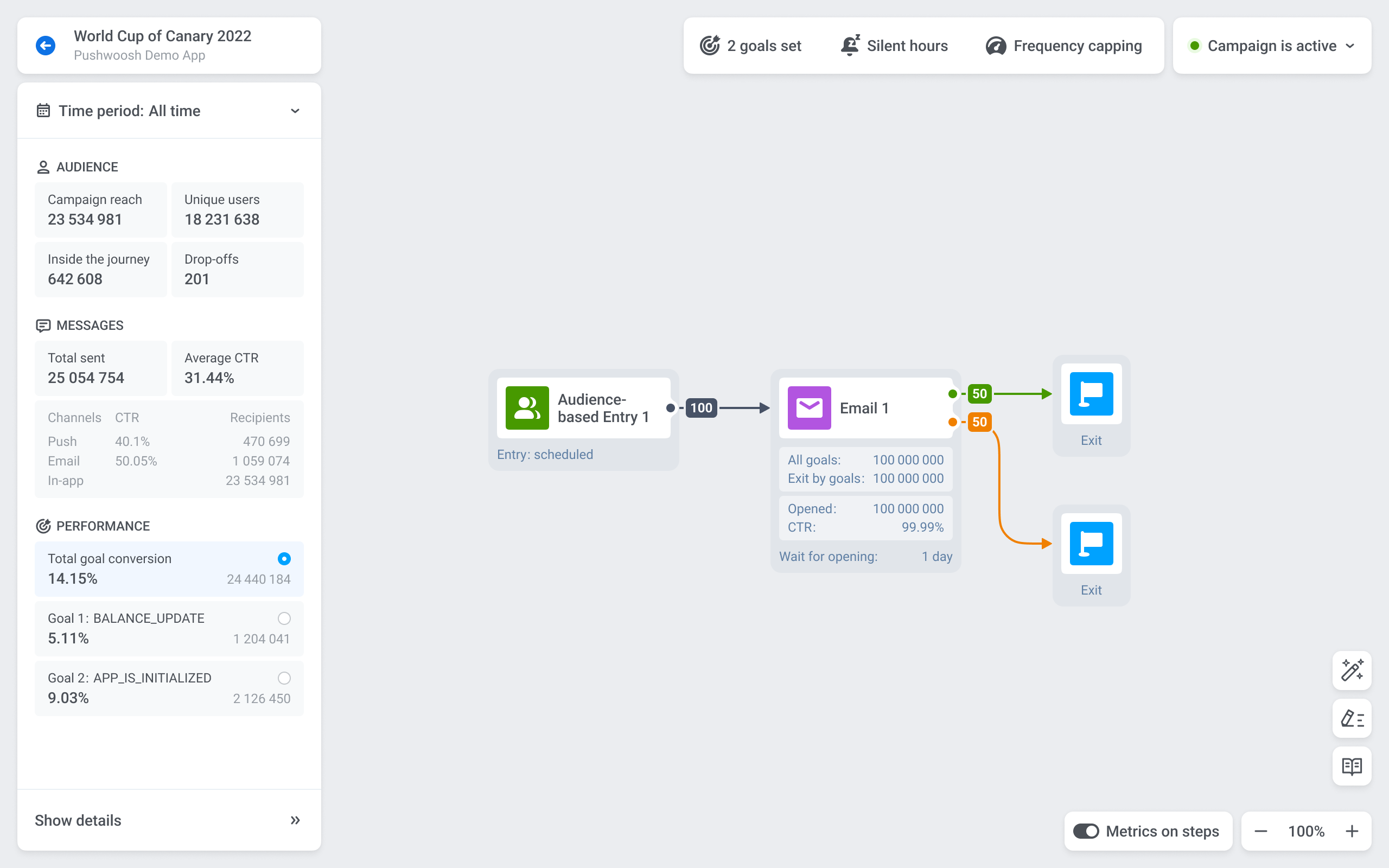
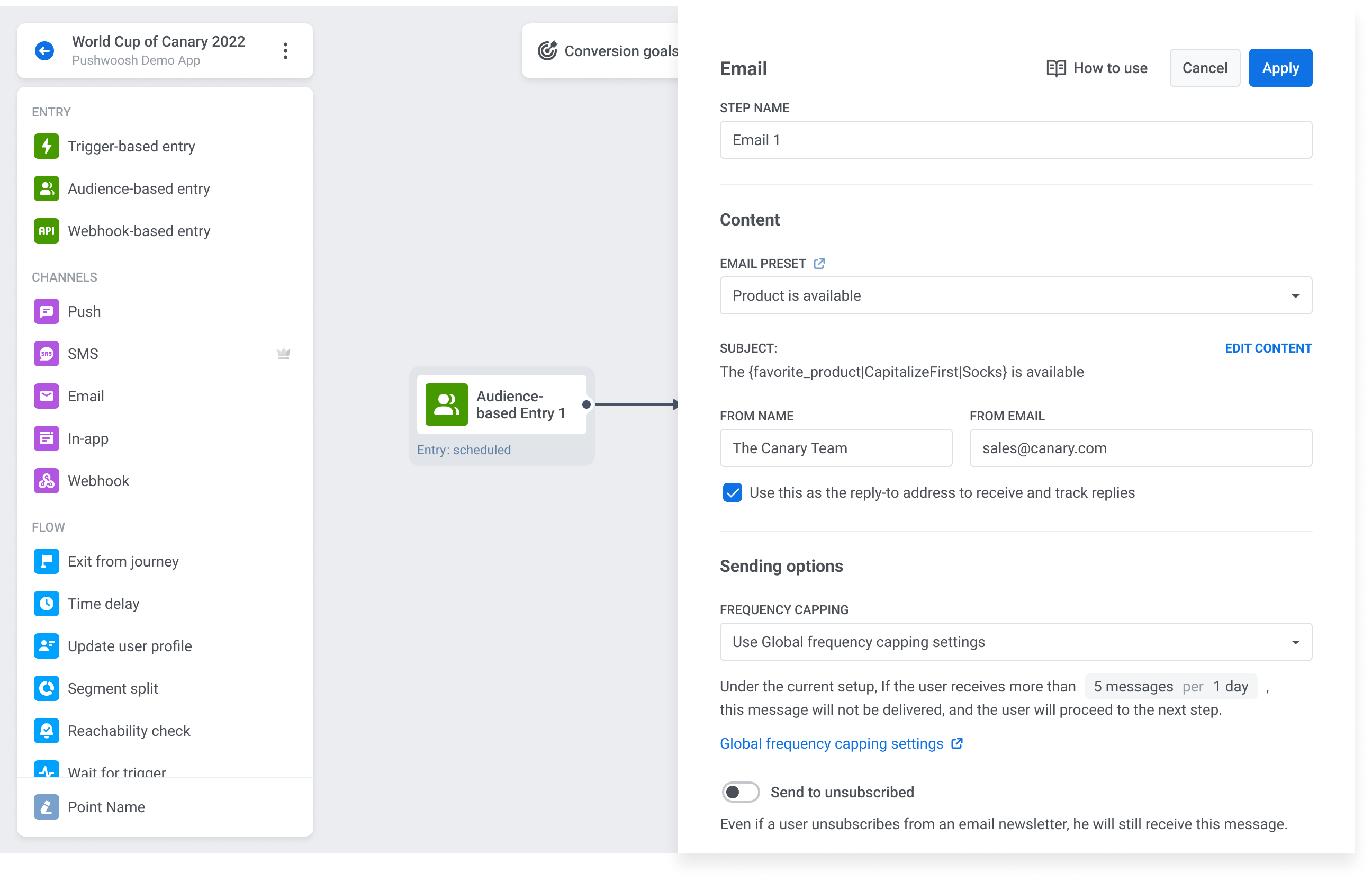
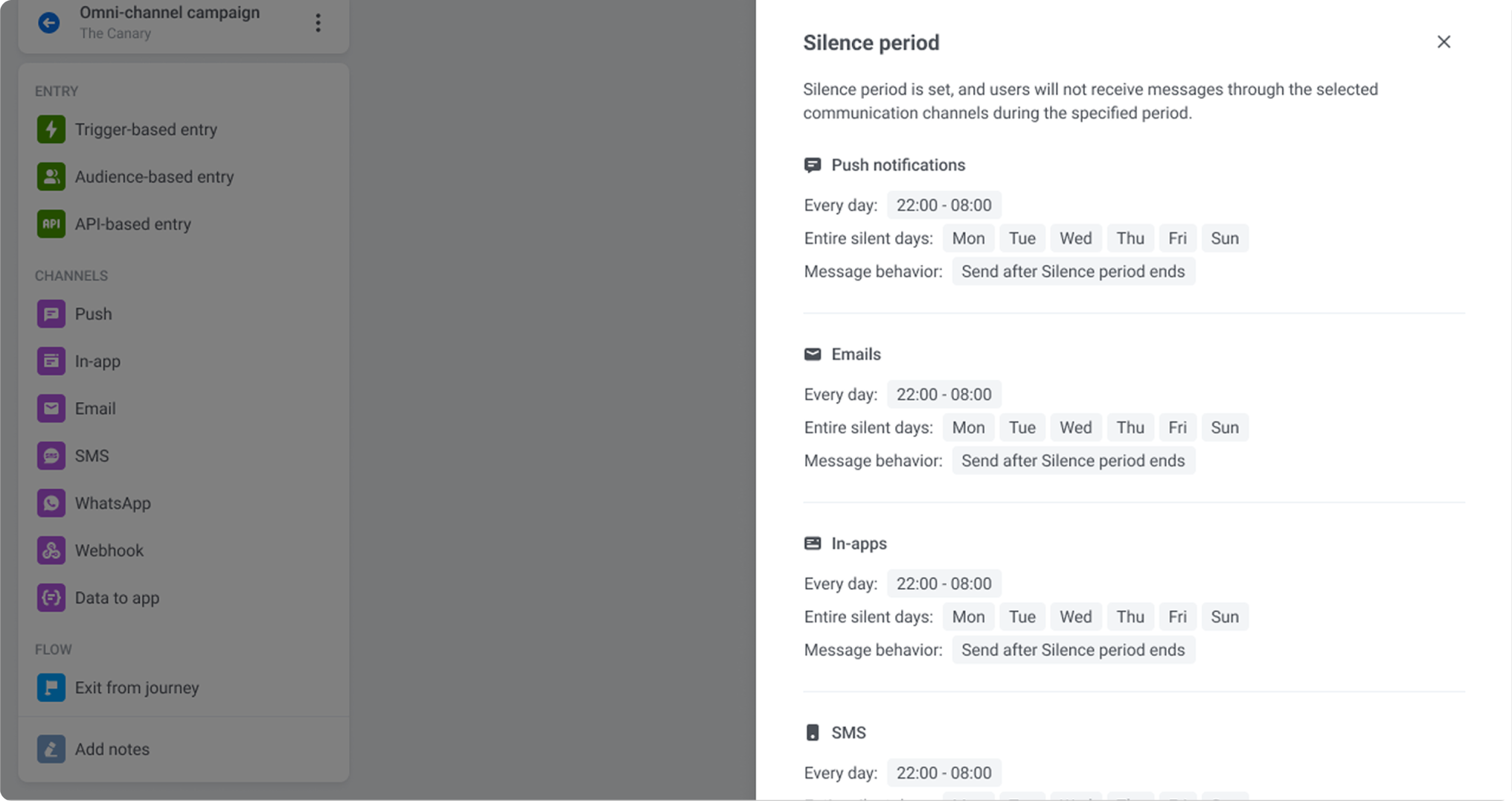
Pushwoosh campaign builder and automation flow overview

Product Context

Built for power,
not simplicity

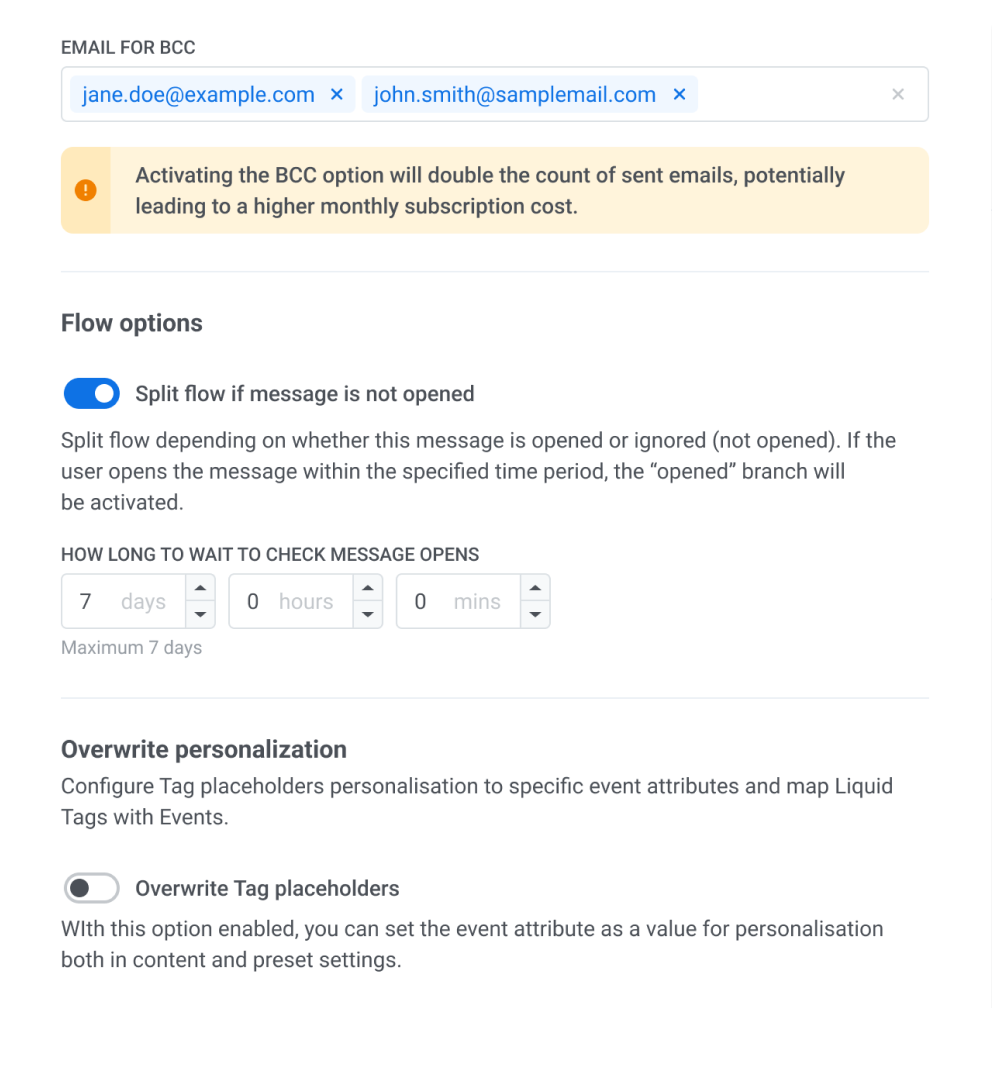
Pushwoosh enables product and marketing teams to build multi-channel communication flows — push notifications, email, in-app messages, WhatsApp — with complex segmentation logic, automation rules, and branching conditions.

The product serves teams with high technical expectations. Advanced users need the full feature set. But the first-time experience determines whether those users ever reach that depth — or churn before they get there.

Pushwoosh campaign builder and automation flow overview

Core workflow: multi-channel automation builder with conditions, delays, and branching logic.


Product Screens

Product overview


The Challenge

The product was powerful.
The first experience made that hard to see

New users arrived with real intent — to set up a campaign, connect a channel, send their first message. Instead of a clear path, they found an environment that assumed too much context too soon. Cognitive load was high, next steps were unclear, and most users turned to support before completing basic setup.

Key issues

Unclear next step
Users didn't know where to start or what completing setup meant.
Unclear product value
Users perceived Pushwoosh as a push notification tool. The full multi-channel scope remained invisible until much later in the experience.
Fragmented setup logic
Related actions were split across disconnected parts of the product.
Support overload
Setup complexity pushed users toward customer support instead of self-serve completion, increasing CS load and slowing activation.

Problems

Low early activation
Most new users never reached a meaningful first action — they dropped off before the product could demonstrate its value.
High first-step drop-offs
The very first steps in onboarding had the highest abandonment rate — users left before completing basic project setup.
Increased support load
Onboarding-related tickets dominated customer support, creating a bottleneck that scaled poorly with user growth.
Pushwoosh campaign builder and automation flow overview

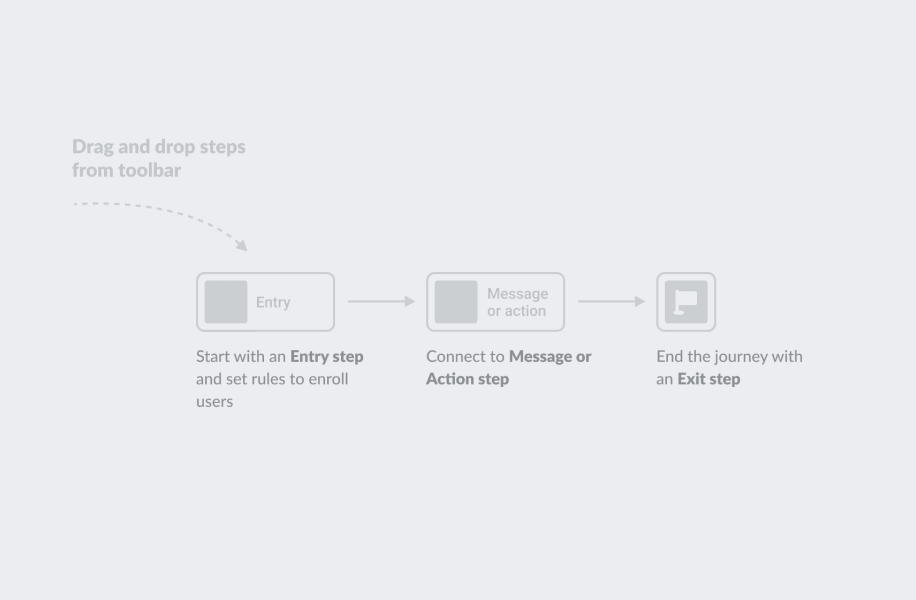
The original onboarding presented too many options too early, without clear guidance on what mattered first.


Design Focus

Guide users to first value.
Then reveal the full product

The core strategy was progressive: don't simplify the product, but simplify the path into it. Each design decision was made to reduce early friction while preserving the flexibility advanced teams depend on.

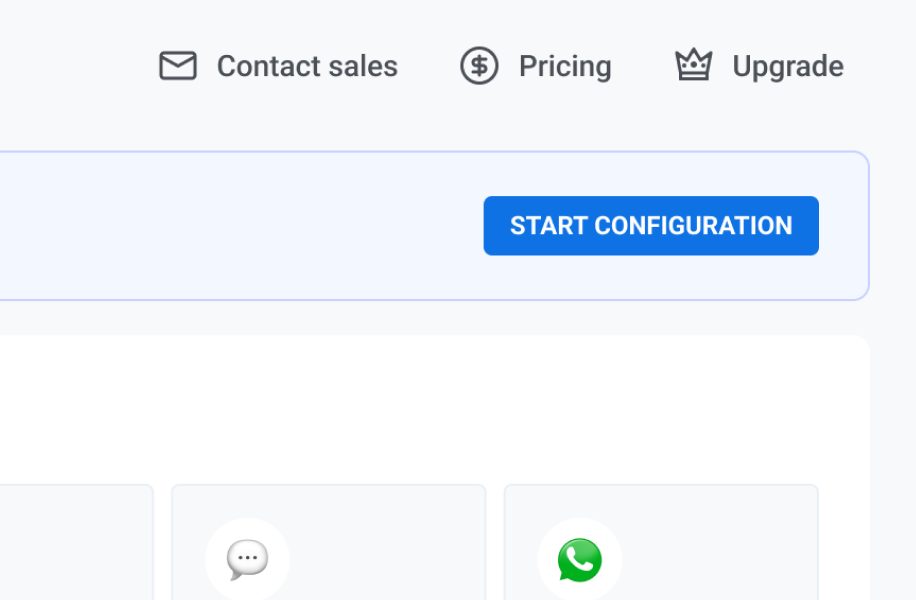
One primary action per step

The original onboarding tried to do too much at once — channel selection, SDK setup, campaign creation, and notification preview all competed for attention on arrival. I restructured the first-run experience around a single primary action at each step, deferring secondary decisions until they were actually needed.

Users moved through setup with more confidence and significantly less time spent re-reading or asking for help.

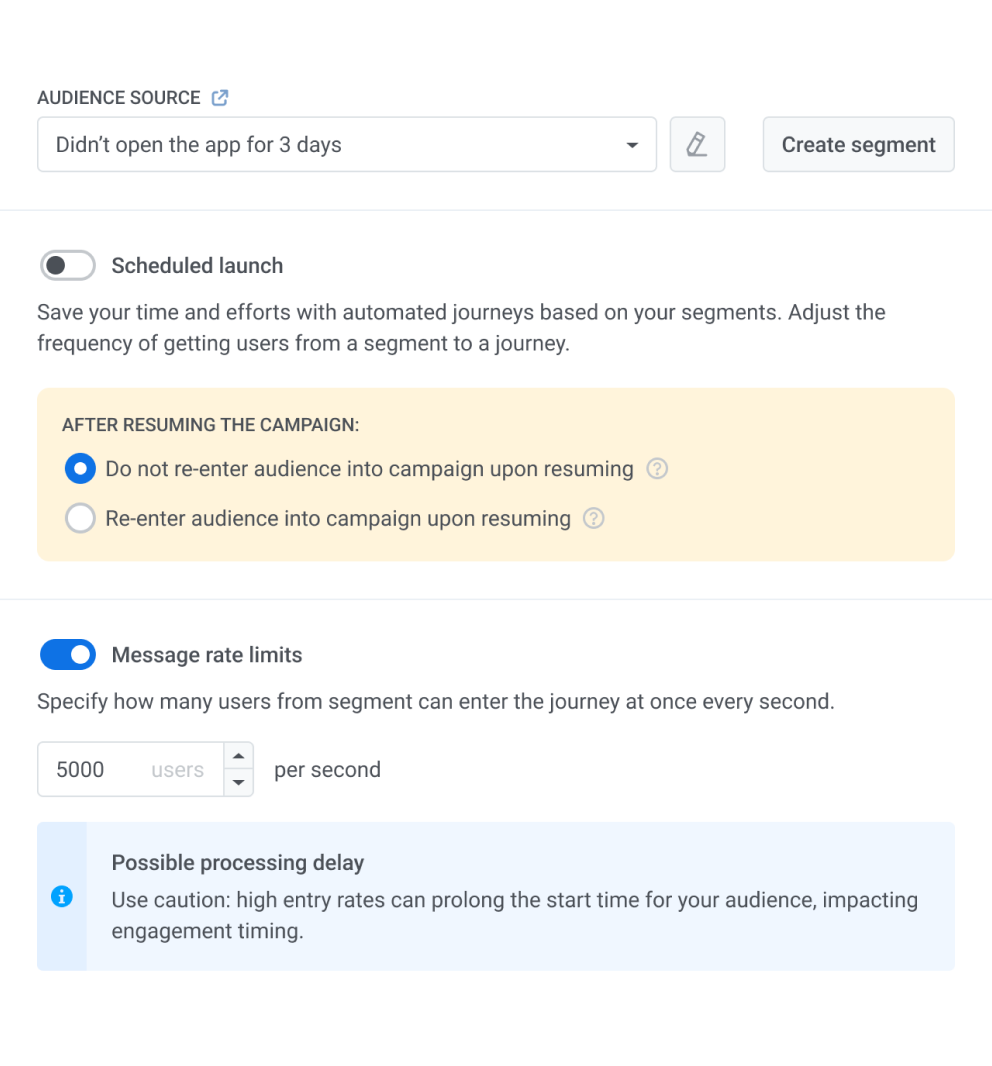
Pushwoosh guided discovery modal for journey campaigns

A single clear CTA helped users understand where to start and reduced decision fatigue at the beginning of onboarding.

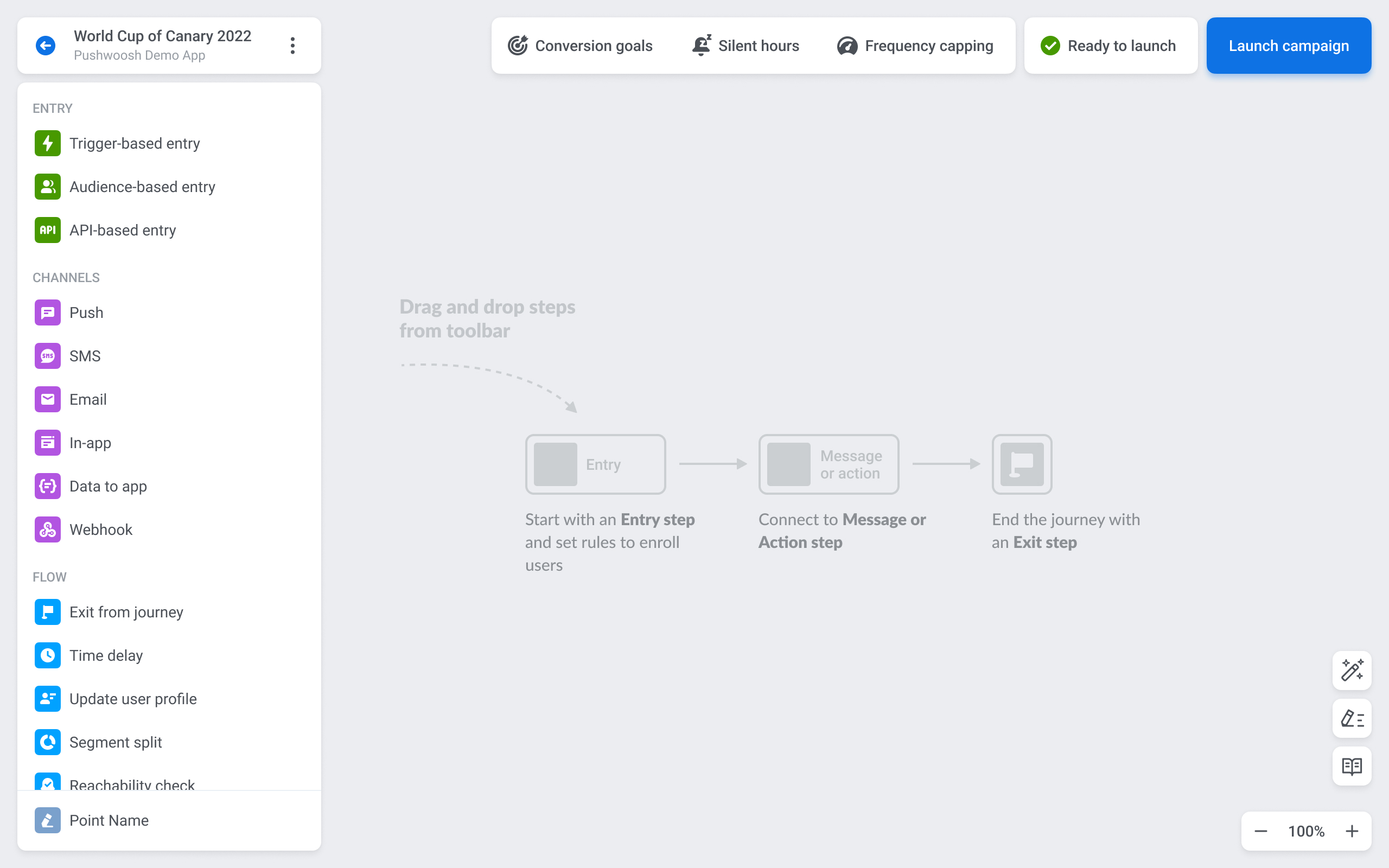
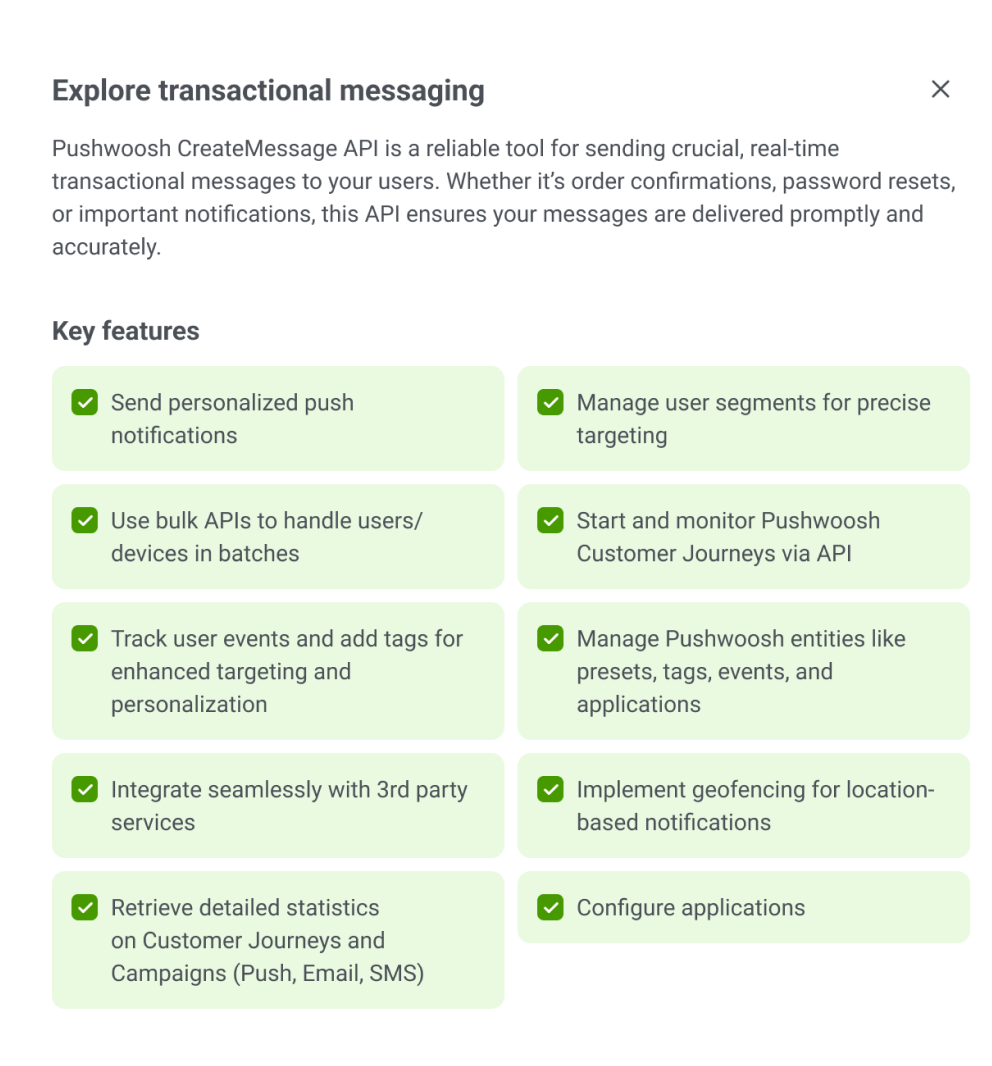
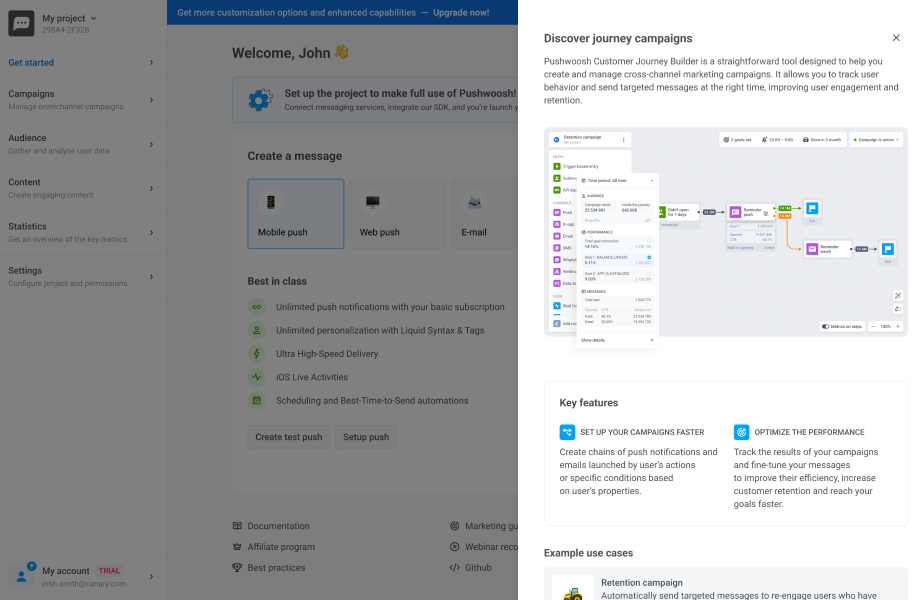
Guided discovery of advanced campaign types

Journey campaigns were powerful, but too complex to introduce on the first screen. I used contextual guidance to explain what they are, when they are useful, and how they extend a basic campaign into a more advanced communication flow.

This kept onboarding focused while still making the product’s deeper capabilities visible at the right moment.

Pushwoosh guided discovery modal for journey campaigns

Contextual guidance introduced journey campaigns as an advanced option after users understood the basic campaign setup.

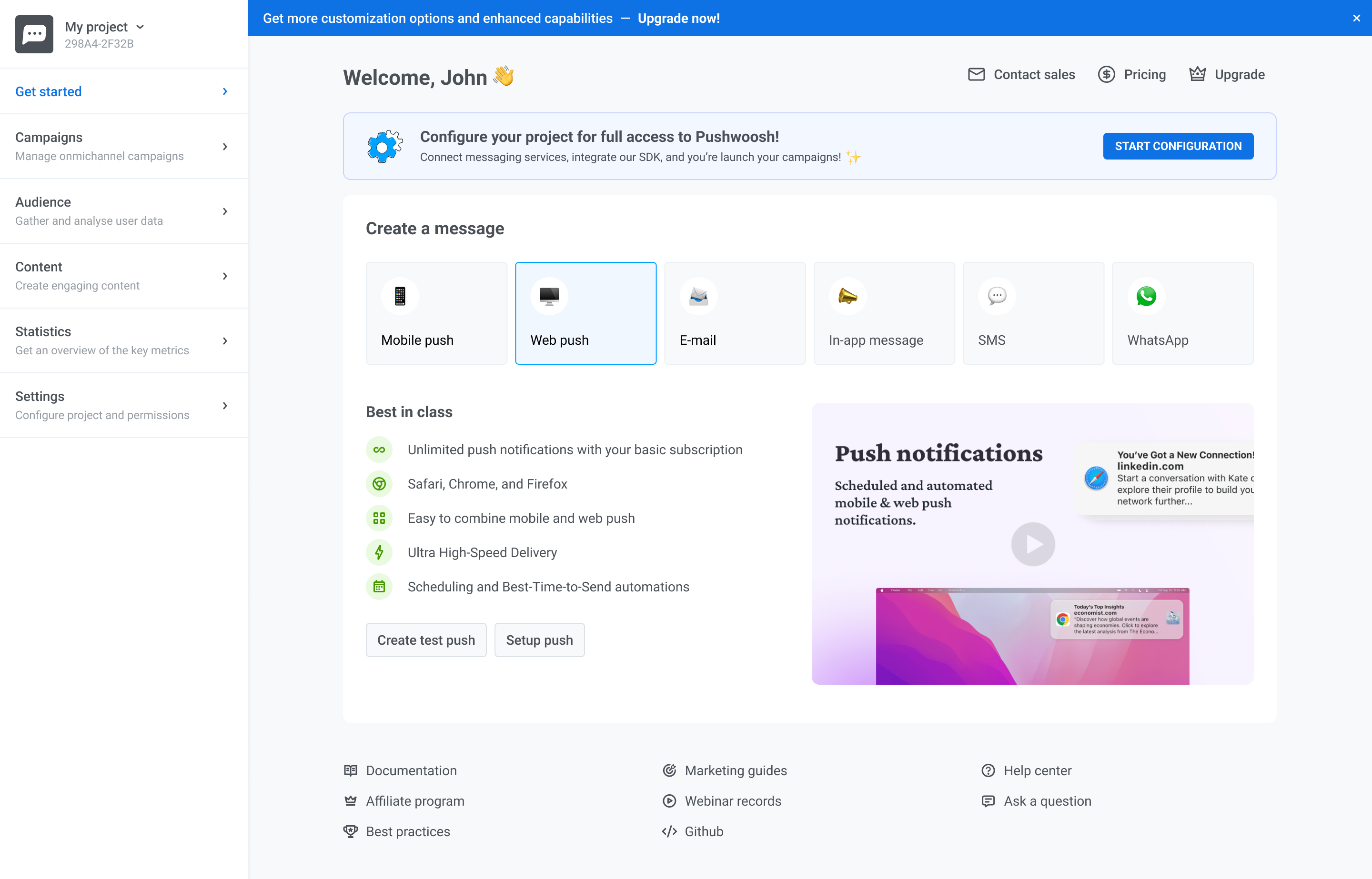
Making multi-channel value visible earlier

Many new users entered Pushwoosh expecting a push notification tool, while the product’s broader value — email, in-app messages, web push, SMS, and WhatsApp — stayed hidden until later in the experience.

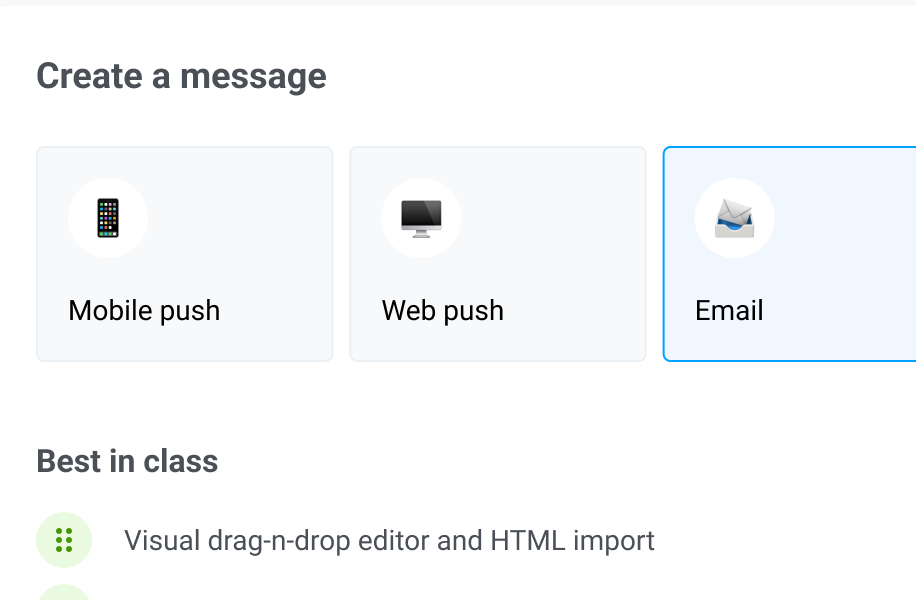
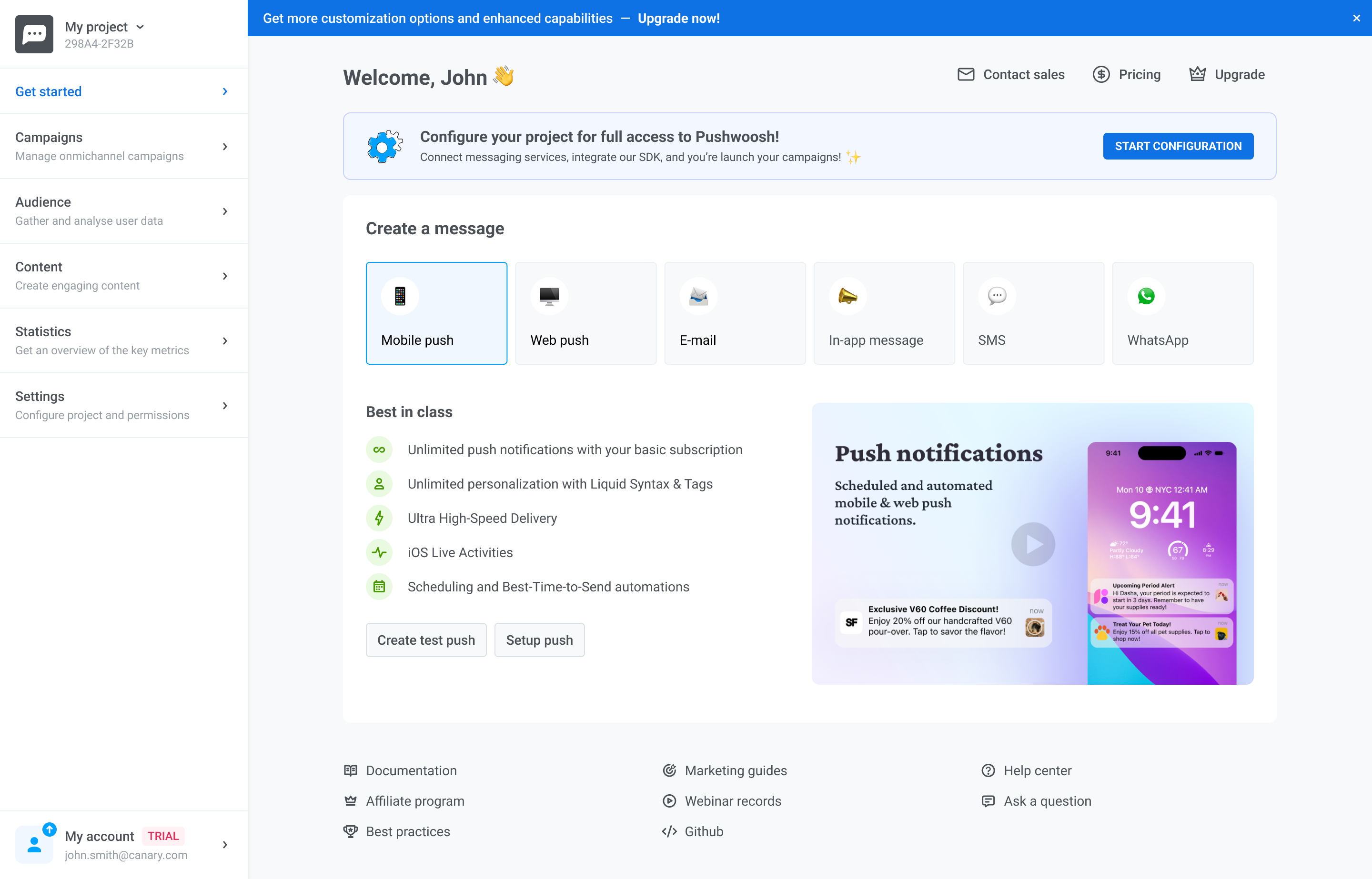
I redesigned the message creation step to surface all available channels upfront, helping users understand the platform’s full communication scope before they started building their first campaign.

Pushwoosh guided discovery modal for journey campaigns

Showing all channels upfront made the product’s multi-channel value clear before users created their first campaign.

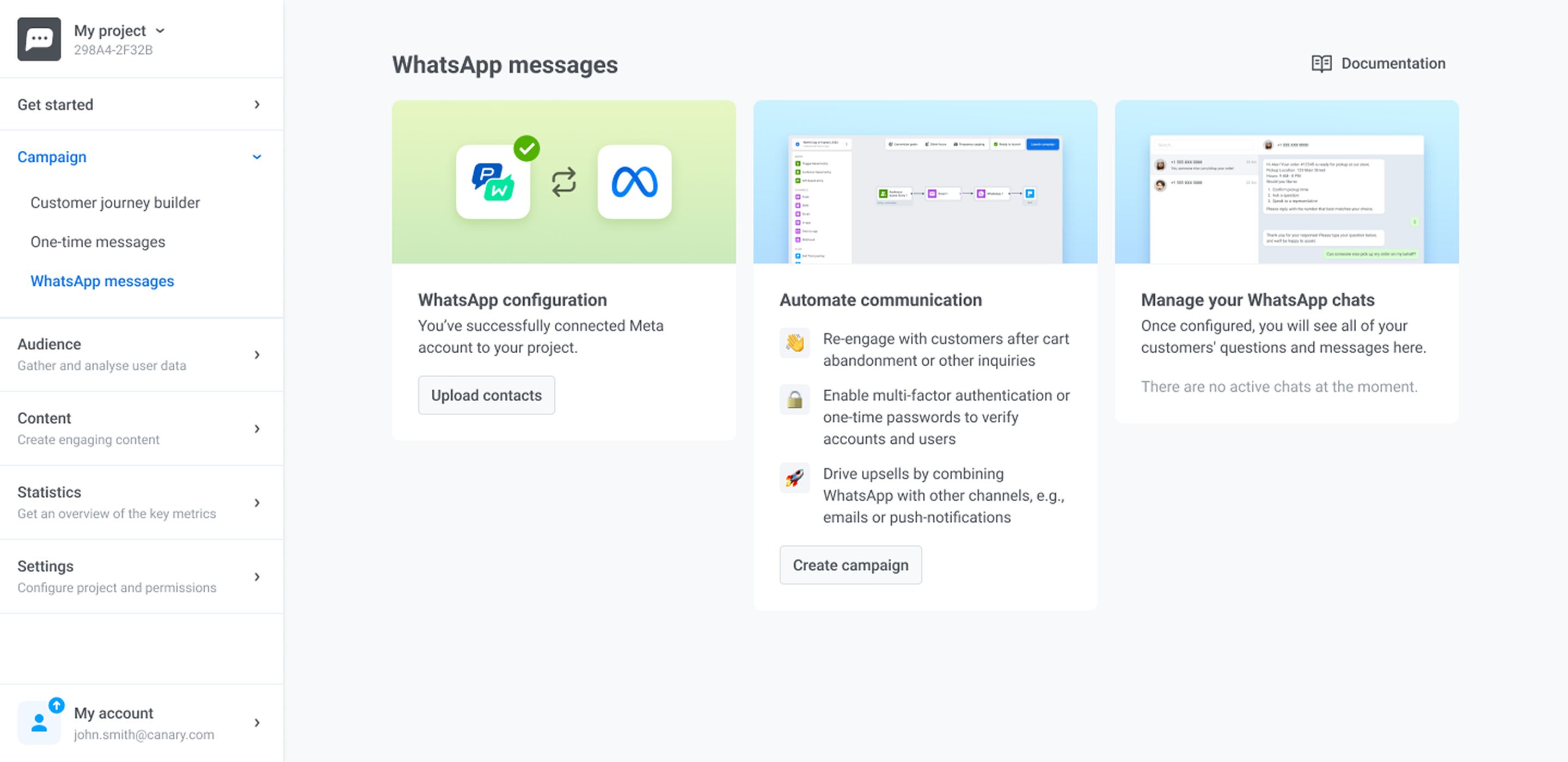
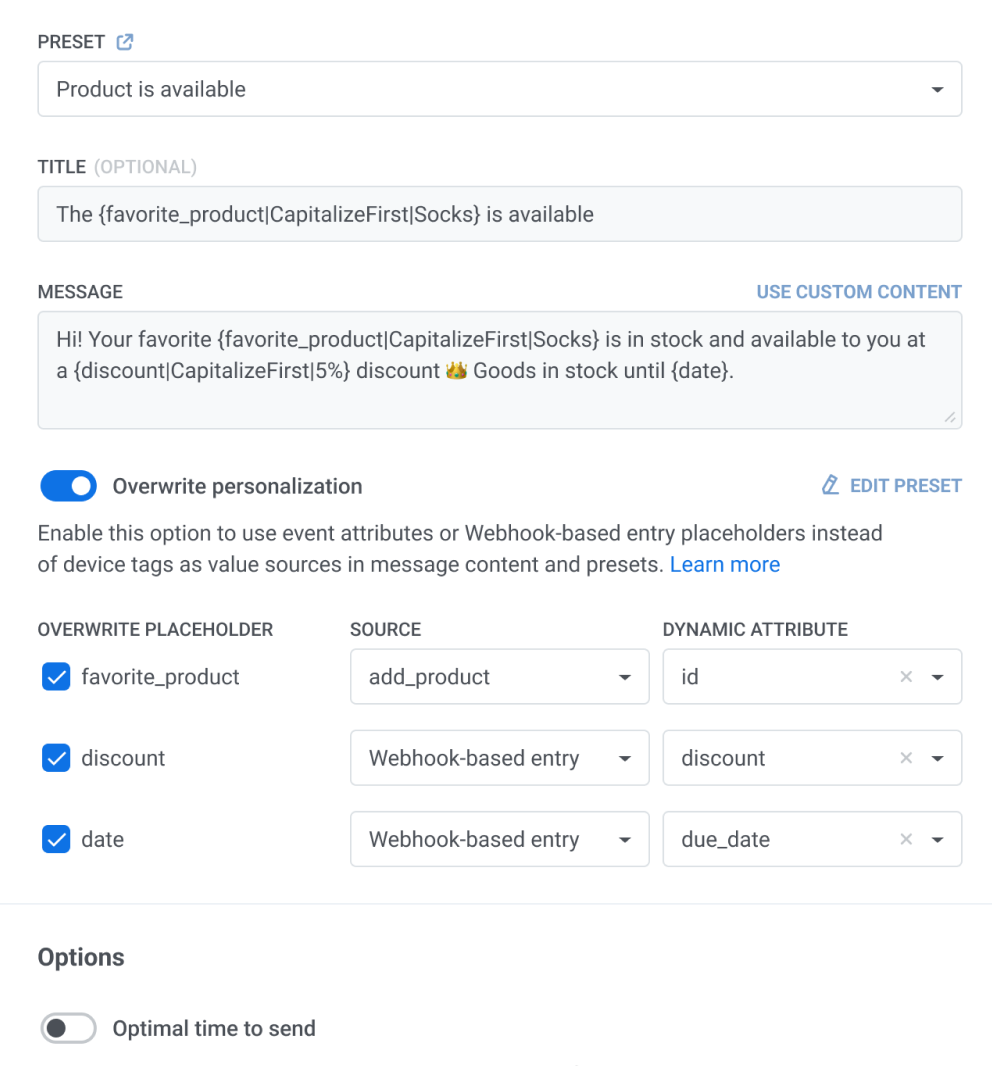
Moving users from setup to first campaign

After users understood the basic setup and available channels, the next step was helping them move into campaign creation. The onboarding needed to connect configuration with a meaningful product action, not leave users wondering what to do next.

I made the path from setup to campaign creation more explicit, so users could continue from learning the product to actually building their first communication flow.

Pushwoosh guided discovery modal for journey campaigns

A clearer transition from setup to campaign creation helped users move closer to first value.


Result

The redesigned onboarding made the next step clear

The final experience guided users through setup with clearer priorities, visible progress, and contextual guidance. Instead of asking users to understand the full product upfront, the interface helped them move step by step toward their first campaign.

Pushwoosh redesigned onboarding experience

The redesigned onboarding gave users a clearer path from setup to first campaign creation.


Process

How I worked

01
Understand
Reviewed activation funnels, first-step drop-offs, support tickets, and user feedback to identify where onboarding created the most friction.
02
Simplify
Reduced early decisions, clarified the first action, and restructured onboarding so users could move toward value without needing to understand the full product upfront.
03
Guide
Added contextual guidance and progressive discovery to explain advanced campaign types only when users were ready for them.
04
Deliver
Prepared high-fidelity flows, aligned patterns with the design system, and worked with PM and engineering through implementation.
05
Iterate
Tracked activation, completion, time-to-value, and support volume after launch to refine the onboarding experience based on real usage.

Results

Improved activation,
completion, and time-to-value

+28%
Activation rate
More users reached meaningful first value — the core metric for early retention.
+35%
Onboarding completion
Clearer setup flow with visible progress reduced early abandonment significantly.
~45%
Faster time-to-value
Simplified first-run experience helped users reach their first successful outcome faster.
−22%
First-step drop-offs
Fewer users got stuck at the beginning — the highest-friction moment in the funnel.
Support load reduced
Clearer in-product guidance helped more users complete setup without relying on customer support.
Clearer product value
Users could understand Pushwoosh’s multi-channel capabilities earlier, before creating their first campaign.

Reflection

Complexity doesn't need to be removed. It needs to be introduced gradually.

This project wasn't about making Pushwoosh simpler. It was about making the complexity easier to enter, understand, and use at the right moment. The strongest design decision was to guide users gradually — giving them a clear path to first value before exposing the full depth of the product. That tension, between power and accessibility, is at the core of every good B2B product design challenge.